



How to Get and Install ID Badge Machines in Your Workspace
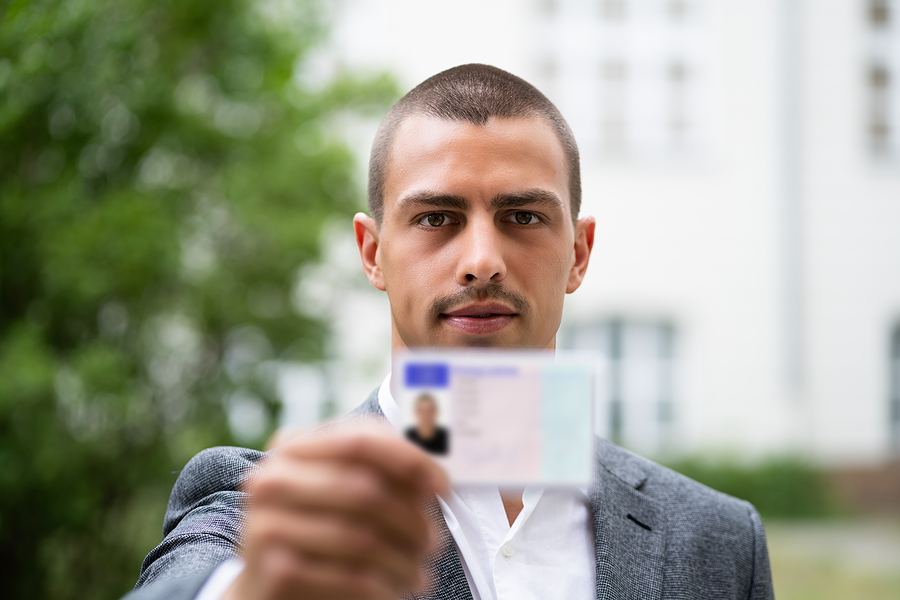
Installing an ID badge system with a scanning machine, printer, and photo system is much easier than you think – at Smith’s Addressing Machine Services we offer basic sets and bundles to get you started.
In addition to the printer, you’ll automatically get necessary services, like cloud printing, mobile pass access, email and phone support, and others. Or, you can choose to upgrade and have us do the printing and encoding for you.
Whether you have enough staff to put in the work, or you need to outsource to a company, here are the steps you should take to get and install ID badge machines in your workspace.
Create a Plan
First, you need to know how many scanners and machines you need and where you’ll place them. So, you should assess your office space and consider why you need badges, who gets them, and what they’ll use them for.
If you’re looking for a basic badge ID for all employees to use to enter the office, you’ll need to see where you can make space near the entrance.
You can also use IDs to restrict access to certain parts of a building, or use barcodes to ensure that specific employees can get to the client files and information they need, but unauthorized workers will be restricted.
Find spaces for ID scanners where your employees will have to use them, and count how many machines you actually need.
Decide What Kind of IDs You Want
You don’t have to just go for simple, plastic IDs if your workplace is new or your want to go high-tech. You can get mobile ID cards, which work well if your staff are allowed to use their smartphones on your worksite.
If it’s a large building or one with many offices, or you simply have a lot of employees in one office – you may want to consider skipping cards and going digital just to keep things simple. That way, you won’t have to worry about printing and issuing cards every time there is turnover or someone loses theirs. Plus, it is faster when individuals aren’t crowding the door and can simply pull up an ID on their phone.
Many businesses prefer plastic cards so that they can be displayed at all times, espessially if not every employee has a reliable smart phone. Printing technology has gotten cheaper and easier to use over the years, and is a reliable way to enhance security in your workplace.
Details and Design Ideas
Once you’ve figured out what type of workplace ID to get, you should decide what elements to use in the design. Here are some questions to ask yourself:
- Do you want to include your company logo?
- How long do you want your cards to last (like an expiration date)?
- Do you want a two-sided card?
- What other information do you want to put on there (employee name, title, personal info)?
- Color or black and white?
- How many cards do you need, approximately?
- Will cards be issued from multiple locations?
- Who will man the machines, do you have enough staff to put your security plan in place or should you scale down?
Discuss with your security team and management team to see what they need, so that you can create more useable ID badges.
Find a Reliable Company and Speak to an Expert
If you’re not entirely sure what security practices your office may require or how to figure that out, call Smith’s Addressing Machine Services at 855-347-9494. Friendly experts will take a look at your specific needs and help you best lay out obtain an ID card issuance system for your office.
